The dashboard
Each of these has a tab of its own in the dashboard, and a deep link to it. OLED Care appears on OLED TVs only.
On a wide screen the tabs are listed down the left. On a phone, or wherever the Server tab is set to hide the sidebar, they open from the menu button at the top of the page.
- Control: the remote, inputs, volume, playback, picture presets and screen blanking
- Advanced Controls: power and standby, sound routing, HDMI, auto device detection and front lights
- Metrics: temperatures, load, memory, network and HDMI
- Apps: install, uninstall, background services and the home screen
- Privacy: screen recognition, ad tracking, data agreements and the blocker
- OLED Care: panel wear and the burn-in protections
- Game: frame rate and the Game Optimizer
- Service menu: LG's engineering menu
- Screen savers: replacements for LG's
- On the TV: the dashboard as an app on the home screen
- Server: updates and the home screen app
- Tools: live webOS system logs, Glasshouse activity and kernel ring buffer diagnostics
The page works with no internet access, and has a dark/light mode toggle (via the UI or /?theme=light).
In both themes
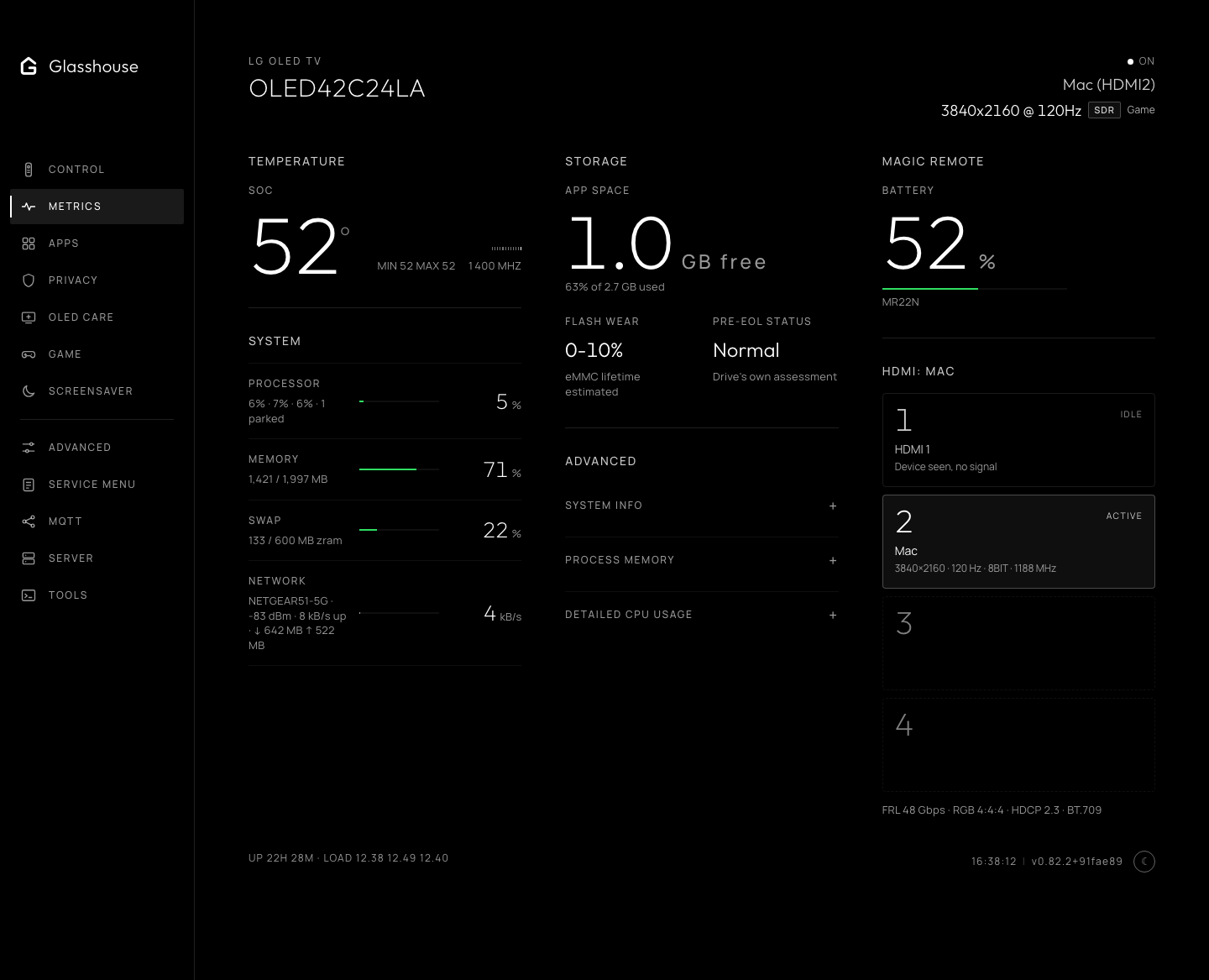
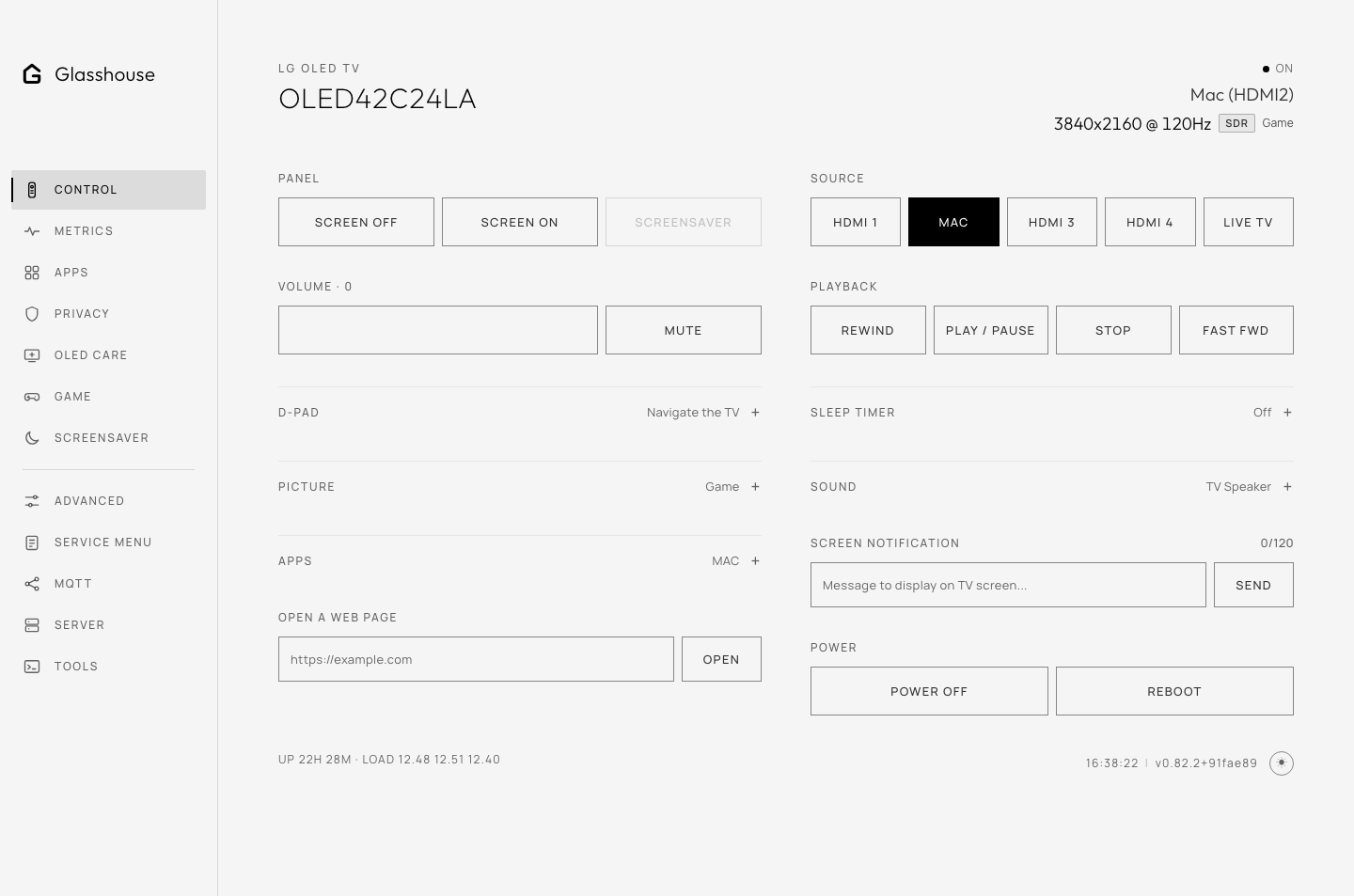
Metrics and Control tabs, shown in dark and light themes.