Picture
The Picture tab gathers LG's picture settings in one place, grouped as LG's own Picture menu groups them: brightness, colour, clarity, motion and aspect ratio, with white balance and colour management folded below. The TV app has the same tab.
Each TV shows only what its own menu offers: a setting the TV does not describe, or hides, is left out, and one it greys out for the picture mode or what is on screen is greyed out here too. A TV that describes none of its picture settings, as some older webOS versions may, has no Picture tab.
The picture on screen
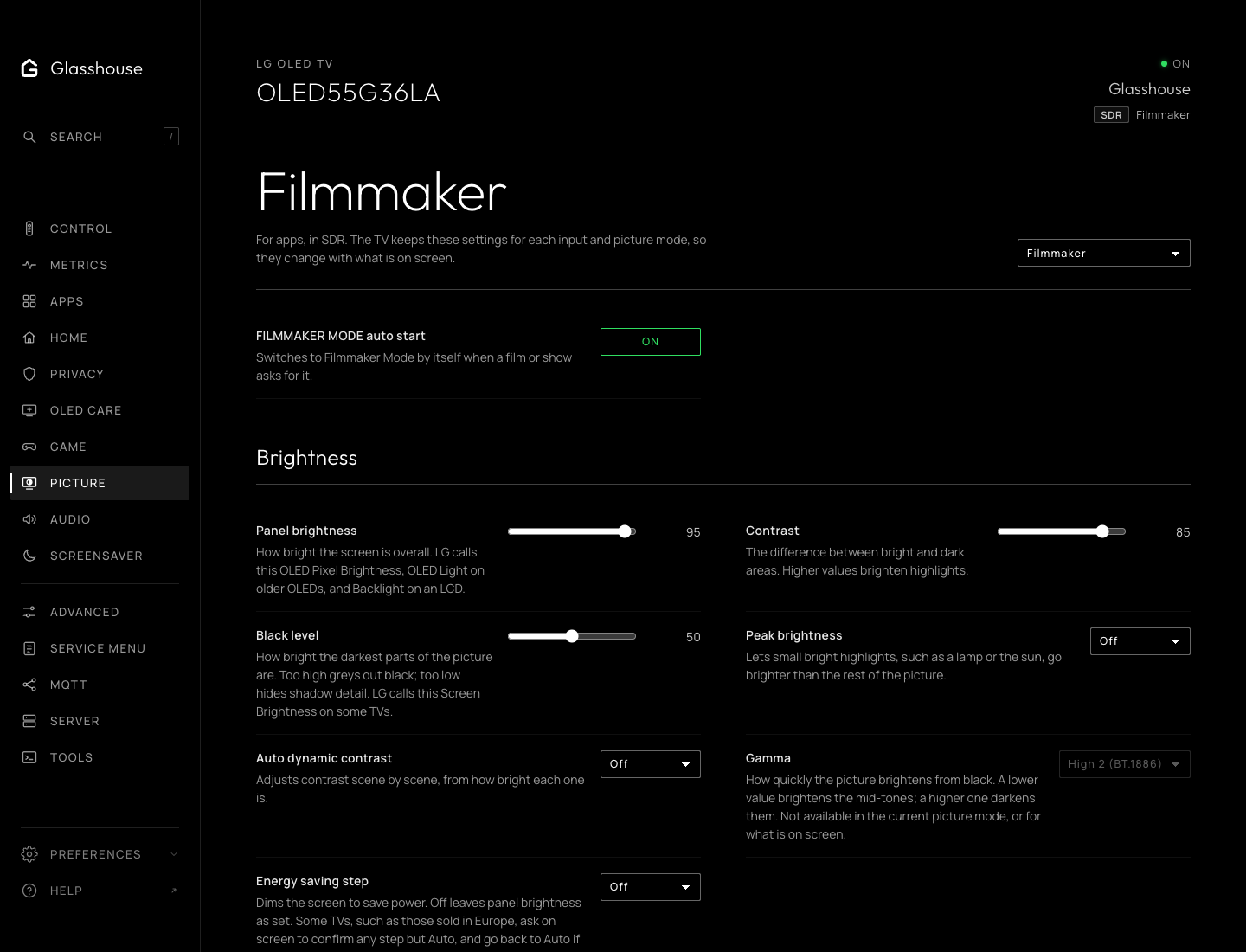
LG keeps a picture mode, and every adjustment to it, for each input. The tab shows and changes the settings of the picture on screen: its mode heads the tab, with the input and dynamic range they belong to, such as HDMI 4 in SDR, or apps in Dolby Vision. Switching input or mode with the remote changes what the tab shows within a few seconds.
A change marks the mode as adjusted, as LG's menu does, so LG's own Reset puts it back.
What each TV shows
Which settings appear, the choices each offers and each slider's range come from the TV itself, so a TV shows what its own menu has: Local Dimming only on an LCD, Dynamic Tone Mapping only for HDR video, Video Range only on an HDMI input. A setting LG greys out, such as Gamma in Filmmaker Mode, is greyed out here too and cannot be changed. Aspect ratio, Just Scan and TruMotion are kept for each app and input, and show while video is on screen.
Hidden settings and choices LG marks inactive cannot be written. If a change is refused, the web tab restores the value read from the TV.
Colour management follows LG's Colour adjustment where the TV has one, as a C2 does: it heads the section, and the colours are greyed out until it is set to User Selection. On a TV without it, such as a B8, colour management stands on its own. In the game picture modes the colours are greyed out, since Game mode ignores them.
Screen Off in the energy saving step is not offered, as it blanks the screen. Some TVs, such as those sold in Europe, ask on screen to confirm any other step but Auto, and go back to Auto if it is cancelled there. While Gallery is on screen the picture is locked.
On the TV
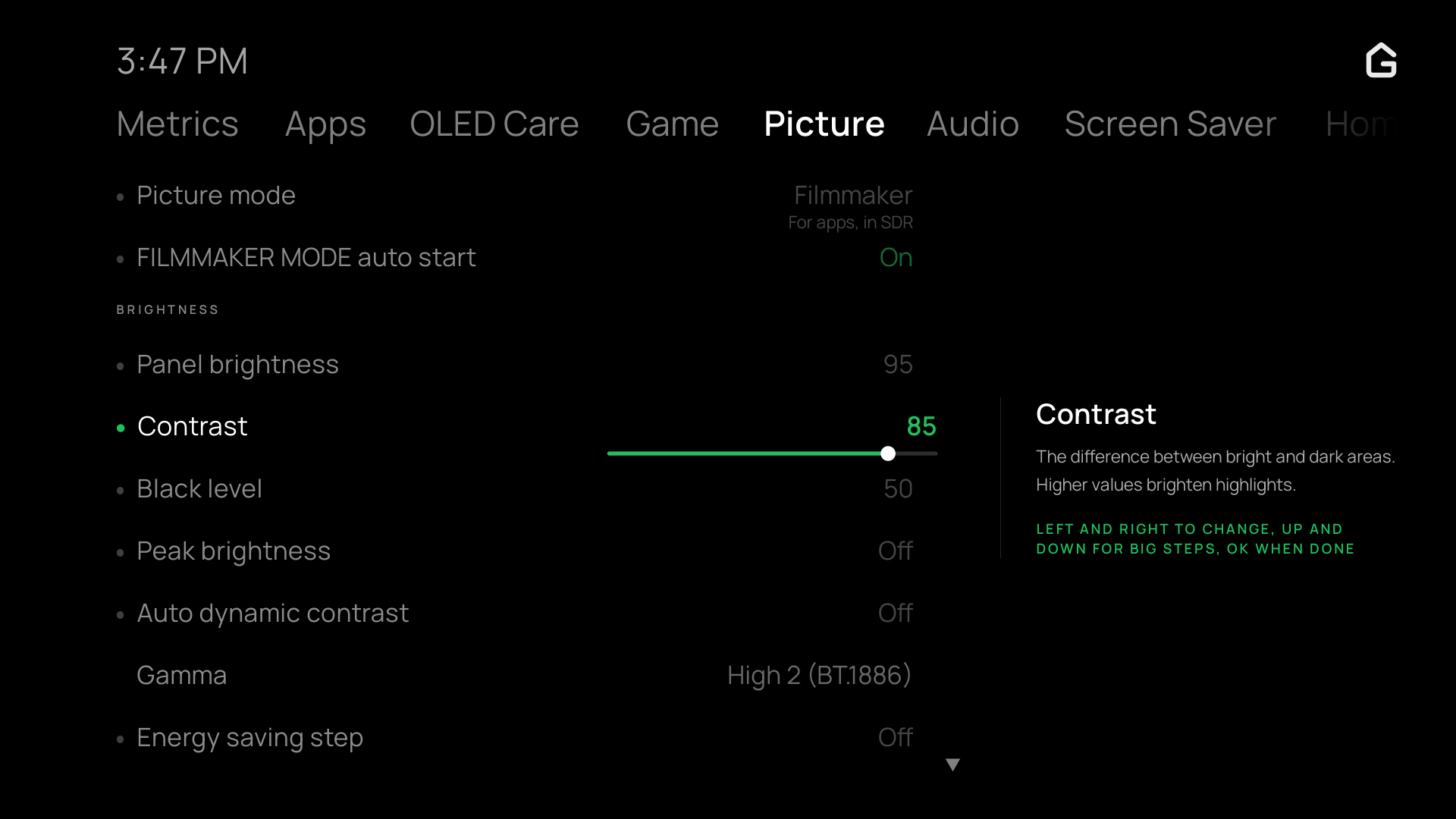
In the TV app, OK on a slider starts adjusting it, with a bar under its value, as in LG's menu. Left and Right change it by one, faster while held; Up and Down jump a tenth of its range; OK or Back finish. The TV takes each value as it changes. Outside a slider, Left and Right switch tabs as everywhere else in the app. OK cycles a choice or switches a setting. Moving to another slider while a change is still being saved keeps both adjustments; a refused change does not discard another row's pending value.