OLED wear and burn-in protection
The OLED Care tab, /?tab=oledcare, brings together the panel's own wear figures with the protections that affect OLED wear.
The aim is not to encourage disabling OLED protections blindly. Instead, the dashboard shows what each control does and exposes the controls that the particular panel makes available.
- Cumulative panel hours, panel maintenance and Pixel Refresher countdowns with scheduling, completed cycle counters and refresher failure alerts.
- GSR stress events on supported panels — counts how many times static elements (such as logos, HUDs, or news tickers) triggered active panel dimming to prevent burn-in.
- Screen shift and logo dimming on any OLED.
- Temporal peak control (ASBL) and global stress reduction on supported models (the two normally reachable only from the TV's service menu, with a service remote and a PIN).
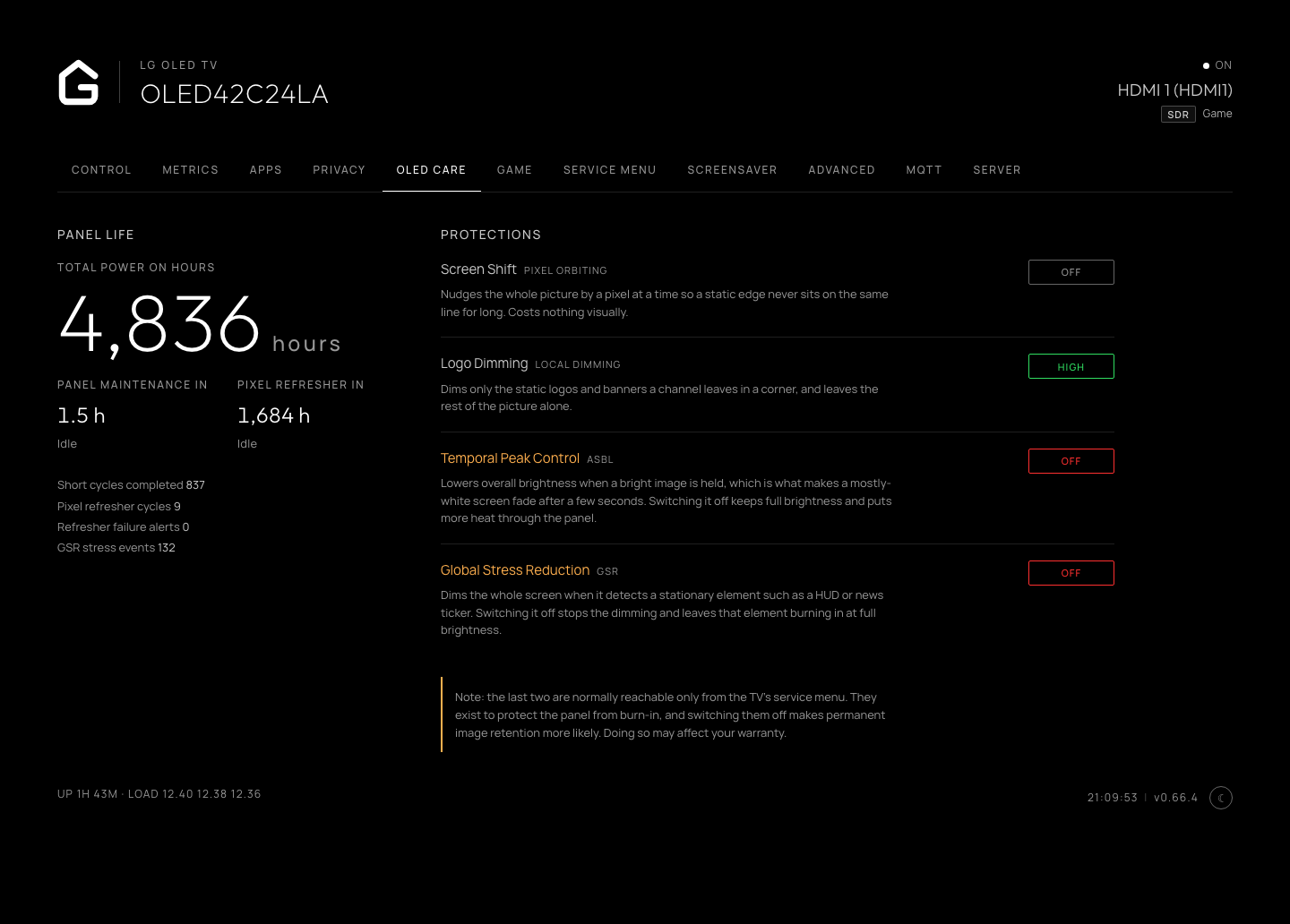
OLED panel wear information and burn-in protection controls.
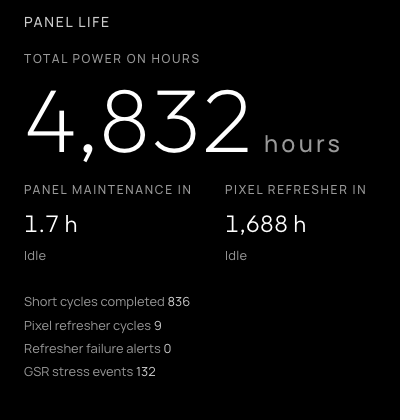
Panel life, maintenance and Pixel Refresher status.